Why Linux is the Top Choice for Information Security

It is no secret that Linux is one of the most secure Operating Systems on the market. Thus, choosing it for your company's information security or your personal use data is the wisest thing to do.
But, how does Linux system security work and how to increase security on servers that use it? Also, on what points does open source come out ahead compared to competitors?
All the details on the subject will be clarified in this article! Just keep reading to learn more about the relationship between the operating system and information security.
How does Linux security work?
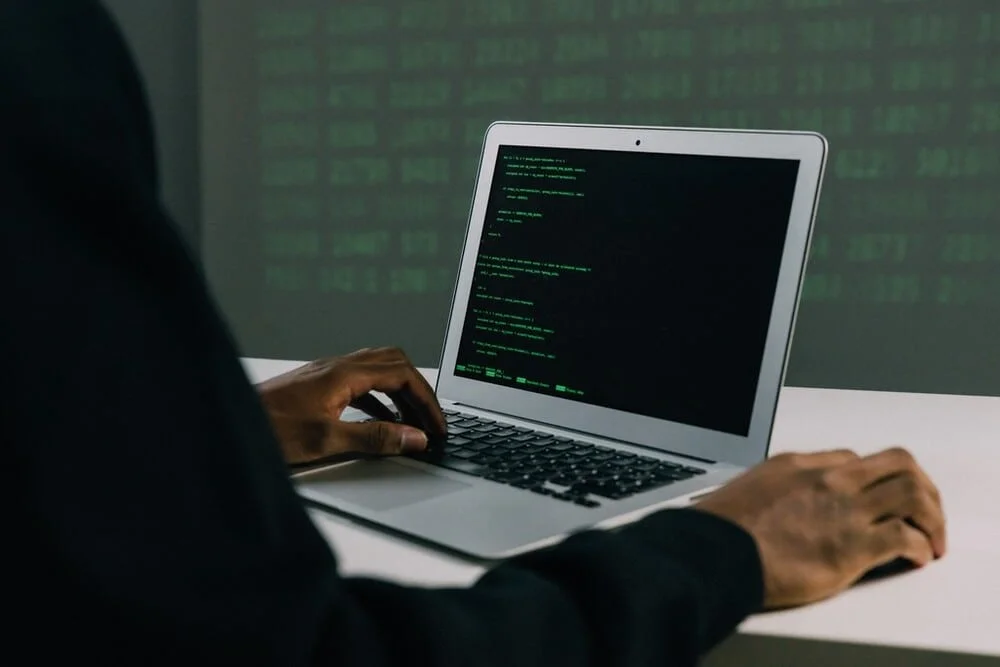
Linux security is guaranteed mainly due to its open source code, which has the eyes of several well-intentioned professionals who can solve vulnerabilities and errors more quickly.
User privilege model
Unlike operating system models like Windows and Mac, Linux presents security as one of its pillars from its roots, meaning security was "built-in" as a differentiator during its development.
There are privilege models for users, where the main user can choose which accesses and permissions they want to share with other members who will use the software.
This ensures the security of information, especially confidential documents and others that cannot be altered. It also makes it harder for malware or viruses to be attacked and distributed by users themselves.
In these cases, the main user only needs to set access to certain files as "read-only", for example.
This modification can be done both during installation and configuration, as well as at later times, when the main user deems it necessary.
Built-in kernel security defenses
The system was designed with user security in mind, who can count on defenses and security integrated into their kernel, protecting the system and its user against malicious attacks and vulnerability points.
Linux firewalls, verification systems, configurations like Linux Kernel Lockdown, and security software like SELinux are tools that guarantee even more security for system users.
Variety of Linux distributions
Another essential point is related to the large number of existing Linux distributions. The more variations, the harder it is for malicious hackers, for example, to attack and cause damage to the environment.
The same does not happen in operating systems like Windows, since it only presents one standard of software and data architecture, making it an easy target for invaders.
Greater flexibility in configurations
Because it is a system with flexible and changeable source code, an extra layer of security is added.
After all, the more configuration options and effective adjustments the system presents, the more the user will be able to activate protection systems and security filters.
An example of this is the Linux Kernel Lockdown configuration, which can be activated to block parts of the kernel, such as root, so that modifications and extraction of confidential information are not performed.
Tips to increase security on Linux servers
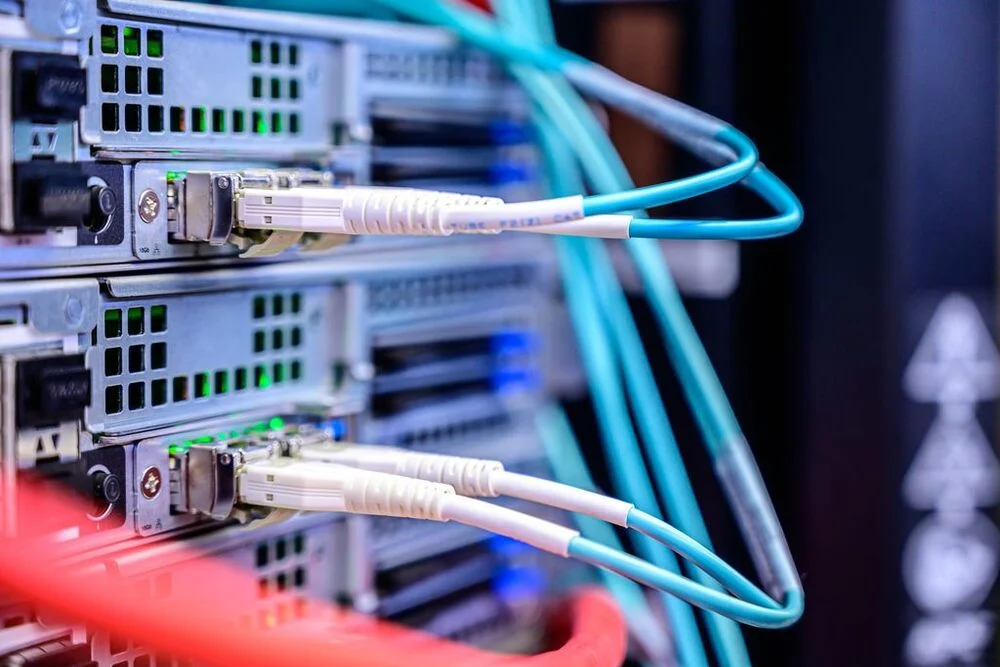
Despite all the resources included in the system, it is possible to reinforce security especially on large servers, where the damage resulting from attacks would be even greater.
Simple attitudes, like keeping the system always updated, can make all the difference. Below, you can check out some of the main security tips.
Keep Software Updated
As you may have noticed, whenever vulnerabilities or errors are detected, developer teams rush to resolve them.
But, to enjoy all the fixes and improvements, you need to keep up to date with system updates.
You can keep the most recent versions through update codes according to each distribution.
For example, in CentOS and Debian distributions, the codes would be, respectively:
- # yum updates
- # apt-get update
Configure BIOS correctly
On servers, it is essential that the boot from external drives such as CDs and USB be disabled.
After all, what would happen if someone wanted to corrupt all server files with just one infected USB drive?
Once done, complete the action by enabling the password for BIOS and protecting GRUB with a strong and confidential password. This way, anyone trying to change your server settings will not succeed.
Install the minimum number of packages
Packages, as the name suggests, often come loaded with applications and tools that will not always be useful, which can slow down the system and end up compromising other areas.
Furthermore, the more unknown packages and from unverified sources you download, the greater the chances of corrupted files installing on your system.
Therefore, only install the basic packages that meet your server's needs.
If you have already installed packages you regret, you can find them using the "chkconfig" command and remove them. Take the opportunity to also remove all those that are not in use.
Monitor server user actions
To ensure that no user has been compromised or has malicious intent, it is essential to monitor each person's activities on the server through data collection.
Useful tools like "psacct" and "acct" can be used to perform this function in the background while there is user activity.
Invest in antivirus software
Finally, but not less important, choose good antivirus software to defend your Linux server. This is a tip that applies to both servers and personal use machines, such as desktop computers.
Despite all the activations and precautions taken, it doesn't hurt to double your care and invest in another "barrier" of security against malware, viruses, spywares, and threats from the online environment.
Conclusion
Did you notice how there are several advantages of Linux for information security? All these aspects make it one of the most reliable and trustworthy systems on the market.
You may also have noticed that, despite the security mechanisms that come naturally with the system, there are several ways to increase security and protect your files.
You can learn more about the topic in the Linux Security EAD Course, made available by us at Certificação Linux. In it, you will learn all the steps, in a totally didactic and complete way, to ensure security.

Prof. Uirá Ribeiro
Chair do Board do Linux Professional Institute
After years of watching professionals waste hours on simple tasks because they didn't know the right Linux tools, I decided to teach.
Today I'm the author of most of LPI's official Learning Materials and mentor to over 14,000 certified students.
That was just one piece. The course teaches the whole path — from your first command to exam day.

